

What are META Tags: The Key to Unlocking Better SEO
META tags are crucial for SEO as they provide important information about webpages to search engines and visitors. These HTML snippets, found in the section of a webpage, assist search engines in understanding the content and structure of a site, which in turn affects its visibility on search engine results pages (SERPs).
This article is a helpful resource for beginners who want to understand the importance of META tags and how to use them effectively for better SEO results. By exploring different types of META tags and their purposes, you will learn how to optimize your web content for improved search engine rankings.

What Exactly Are META Tags?
META tags are essential elements of HTML code placed within the <head> section of a webpage. These tags serve the crucial function of providing information about the content and structure of a webpage to search engines and web browsers. By conveying specific details through META tags, you can influence how your pages are indexed and displayed in search engine results pages (SERPs).
Here are different types of META tags commonly used for SEO purposes along with html examples:
- Meta Title Tag: Defines the title of a webpage displayed as a clickable headline in search results.
- Example:
<title>Affordable Web Design Services for Small Businesses | AVI Lead Gen</title> - Tips:
- Keep it under 60 characters to avoid truncation.
- Include your primary keyword near the beginning.
- Make it compelling—this is your first impression in search results.
- Example:
- Meta Description Tag: Offers a brief summary of a page’s content to entice users to click on the link.
- Example:
<meta name=”description” content=”Get conversion-driven, mobile-optimized web design from AVI Lead Gen. Discover how we help small businesses thrive online.” /> - Tips:
- Keep it between 150–160 characters.
- Use action-oriented language.
- Highlight benefits and include keywords naturally
- Example:
- Meta Robots Tag: Guides search engine bots on crawling and indexing instructions for the page.
- Example:
<meta name=”robots” content=”index, follow”> - Common Values:
index, follow– allow indexing and following links (default)noindex, nofollow– prevent indexing and link crawling (e.g., admin pages)
- Example:
- Meta Viewport Tag: Controls how a webpage is displayed on various devices for optimal user experience.
- Example:
<meta name=”viewport” content=”width=device-width, initial-scale=1.0″>
- Example:
- Meta Charset Tag: Specifies character encoding to ensure proper text rendering on different browsers and devices.
- Example:
<meta charset=”UTF-8″>
- Example:
Understanding these META tags is fundamental for enhancing SEO strategies and improving your overall visibility and user engagement on your websites.
Why Do META Tags Matter for SEO?
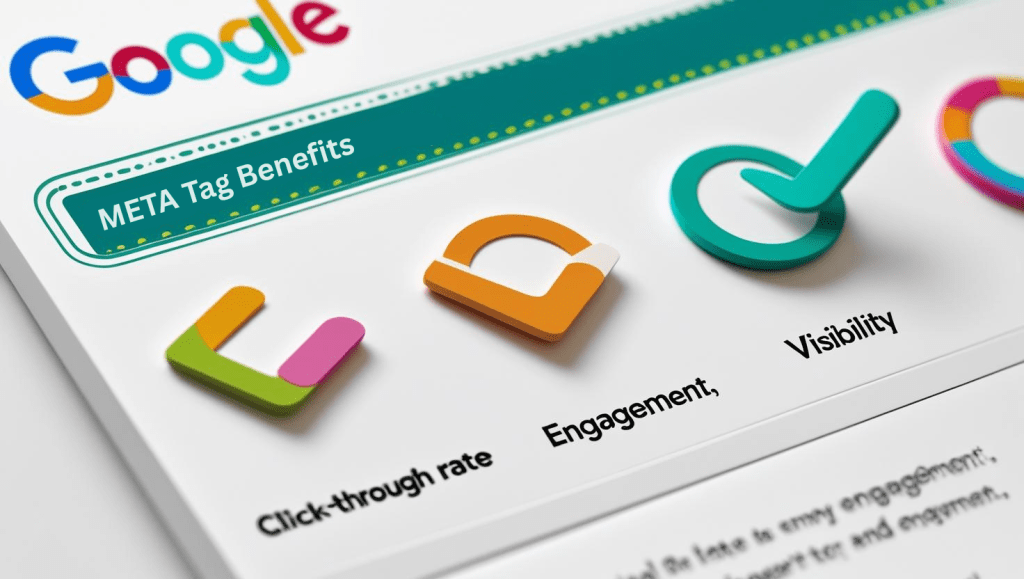
Even though META tags aren’t as influential as backlinks or content quality, they’re essential for several reasons:
- Improve Visibility in Search Results
A strong title and description can set your listing apart and draw more clicks. - Help Search Engines Understand Your Page
Properly formatted tags provide context for indexing and keyword relevancy. - Control Crawling Behavior
The robots tag helps you guide search engines through your site efficiently.

Getting Started: How to Add META Tags
If you’re using WordPress, platforms like Yoast SEO or All in One SEO make it easy to manage your meta tags without touching code. For custom websites, you’ll want to insert your META tags manually into the <head> section of your HTML using the examples under what exactly are Meta Tags.

Common Mistakes to Avoid When Working with META Tags
Beginners often face challenges implementing these tags effectively. Recognizing these pitfalls early is crucial for optimizing your SEO strategy and improving your website’s search performance.
Frequent mistakes include:
- Duplicate Titles: Using identical titles across multiple pages confuses search engines about content relevance, diluting ranking potential.
- Missing Descriptions: Omitting meta descriptions leaves search engines to generate their own snippets, which may not accurately represent your page or entice clicks.
- Formatting Errors: Incorrect syntax or misplaced tags can prevent search engines from reading your directives properly, negatively impacting indexing.
- Keyword Stuffing: Overloading titles or descriptions with keywords reduces readability and risks penalties from search algorithms.
- Ignoring Mobile Optimization Tags: Failing to use viewport tags compromises user experience on mobile devices, affecting bounce rates and rankings.
Practical tips to avoid these issues:
- Create unique, concise titles that reflect the specific content of each page while incorporating targeted keywords naturally.
- Craft compelling meta descriptions that summarize the page’s value proposition in 150–160 characters, encouraging user engagement.
- Validate your HTML code regularly using tools like W3C Validator to catch syntax errors early.
- Refrain from keyword stuffing; focus on relevance and clarity instead of density.
- Always include essential mobile-friendly tags to ensure proper display across all devices.
Addressing these common errors lays a strong foundation for leveraging META tags for SEO effectively. It enhances not only search engine comprehension but also user interaction—key factors for driving organic traffic and improving rankings in your SEO journey.

Conclusion
These tags might seem like a small detail, but in the world of SEO, small details can make a big difference. When properly optimized, they help your site get discovered, encourage more clicks, and support a solid SEO foundation.
At AVI Lead Gen, we help businesses not just design beautiful websites—but build sites that are SEO-ready from the ground up. Need help optimizing your META tags or improving your online visibility? Let’s talk.

FAQs (Frequently Asked Questions)
What are META tags and why are they important for SEO?
These tags are snippets of HTML code placed within the section of a webpage that provide essential information about the page to search engines and web browsers. They play a crucial role in SEO by improving a webpage’s visibility on search engine results pages (SERPs) and enhancing overall search engine rankings.
What are the different types of META tags I should use for SEO success?
Key tags for SEO include the Meta Title Tag, Meta Description Tag, Meta Robots Tag, Meta Viewport Tag, and Meta Charset Tag. Each serves a specific purpose, from crafting compelling titles and persuasive summaries to guiding search engine crawling, ensuring mobile-friendliness, and specifying character encoding.
How can I write effective Meta Title Tags to drive clicks from search results?
Effective Meta Title Tags should be concise, relevant, and include target keywords. They act as the title of your webpage visible in search results and should attract users to click your link by clearly reflecting the content of your page.
Why is the Meta Description Tag important and how do I optimize it?
The Meta Description Tag provides a brief summary of your webpage’s content to users on search results pages. Crafting engaging descriptions that incorporate relevant keywords can boost click-through rates by persuading users to visit your site.
What common mistakes should I avoid when working with META tags for SEO optimization?
Common pitfalls include duplicating titles across multiple pages, missing meta descriptions, and formatting errors. To avoid these issues, ensure each page has unique and properly formatted tags that accurately describe its content.
How can I implement and maintain effective META tags on my website?
You can add or modify these tags manually within your website’s HTML code or use CMS platforms’ built-in features or plugins designed for this purpose. Regularly auditing your META tags with reliable SEO tools is essential to keep them updated and optimized according to industry best practices.